Transforming a Legacy API Configuration System Serving 58 Enterprise Clients
Forms was costing ConnexAI real money. QA flagged the same regressions every release, client implementations stalled on configuration errors. Product leadership wanted a three-month UI refresh. I pushed back.
Note: Due to NDA constraints, this case study focuses on problem framing, decision-making, and system design rather than UI artefacts.
TL;DR
Impact: QA stopped flagging silent API failures. Support escalations for broken integrations dropped. Users gained trust that saved configurations actually work.
Problem: The API Mapper let users build invalid configurations that only failed weeks later at runtime. Users lost trust. QA wasted hours manually testing what the system should have caught upfront.
Solution: I redesigned the mapper to validate errors before save. Added inline validation showing exactly which fields were misconfigured, replaced generic errors with specific guidance, and restructured the UI to make data flow logic visible.
Process: Close collaboration with engineering to understand what the system could validate. Designed around those technical constraints rather than ignoring them.
Role & Responsibilities
- Sole designer, full end-to-end ownership
- Information architecture and workflow design
- Close collaboration with engineering and stakeholders
- Operated autonomously within cross-functional team
Project Goal
Restore clarity, predictability, and trust across a complex configuration system, while working within real technical and delivery constraints.
The business problem
Forms was costing ConnexAI significant operational overhead and slowing client growth.
Our QA team flagged the same recurring configuration issues every release cycle. wasting hours manually testing what the system should have caught automatically. Support escalations for broken integrations were common. Client implementation teams reported that Forms was their biggest bottleneck during onboarding, with configurations that appeared valid often failing silently weeks later in production.
Product leadership wanted a 3-month UI refresh to bring Forms in line with our current design system. I pushed back.
After auditing the product, I identified the real problem: this wasn't a visual issue. Forms had a structural failure. Invisible dependencies between interconnected modules (Form Builder, API Mapper, PDF Builder, Rules Engine) meant users could unknowingly build broken configurations that only surfaced downstream.
58 enterprise clients across 5 continents were already using Forms in production. A full platform rebuild wasn't feasible. We needed to fix the information architecture without breaking existing workflows.
Discovery: working without direct user access
ConnexAI is a B2B company. I didn't have direct access to end users. I explored three approaches to user research:
Approach 1: Request direct client access
Ask Product to coordinate user interviews with enterprise clients.
Not feasible. Enterprise clients don't grant access to B2B SaaS designers without formal research programs, which ConnexAI didn't have.
Approach 2: Proxy research through support and QA
Treat internal teams who interact with clients daily as user proxies.
This worked. Our developers, QA team, and support handled client implementations and troubleshooting. They became my research partners.
Approach 3: Use ConnexAI's own support team as test users
Our internal support team used Forms to configure client instances.
Helpful for usability validation, but they knew the product too well to catch beginner issues.
I combined Approaches 2 and 3. I conducted a full product audit, worked closely with QA and engineering to map pain points, analysed support ticket patterns, and validated designs with our internal support team before shipping. This wasn't ideal. Direct user research would have been better. But I owned what I could within constraints rather than waiting for perfect conditions.
The core problem: invisible system behaviour
The audit revealed a consistent pattern across Forms: users were expected to mentally simulate backend behaviour that was nowhere visible in the UI.
- •API Mapper: Users could save invalid configurations. The system accepted them silently, then failed weeks later at runtime.
- •Form Builder: Page dependencies were invisible. Deleting a page could break downstream PDFs, but users had no way to know.
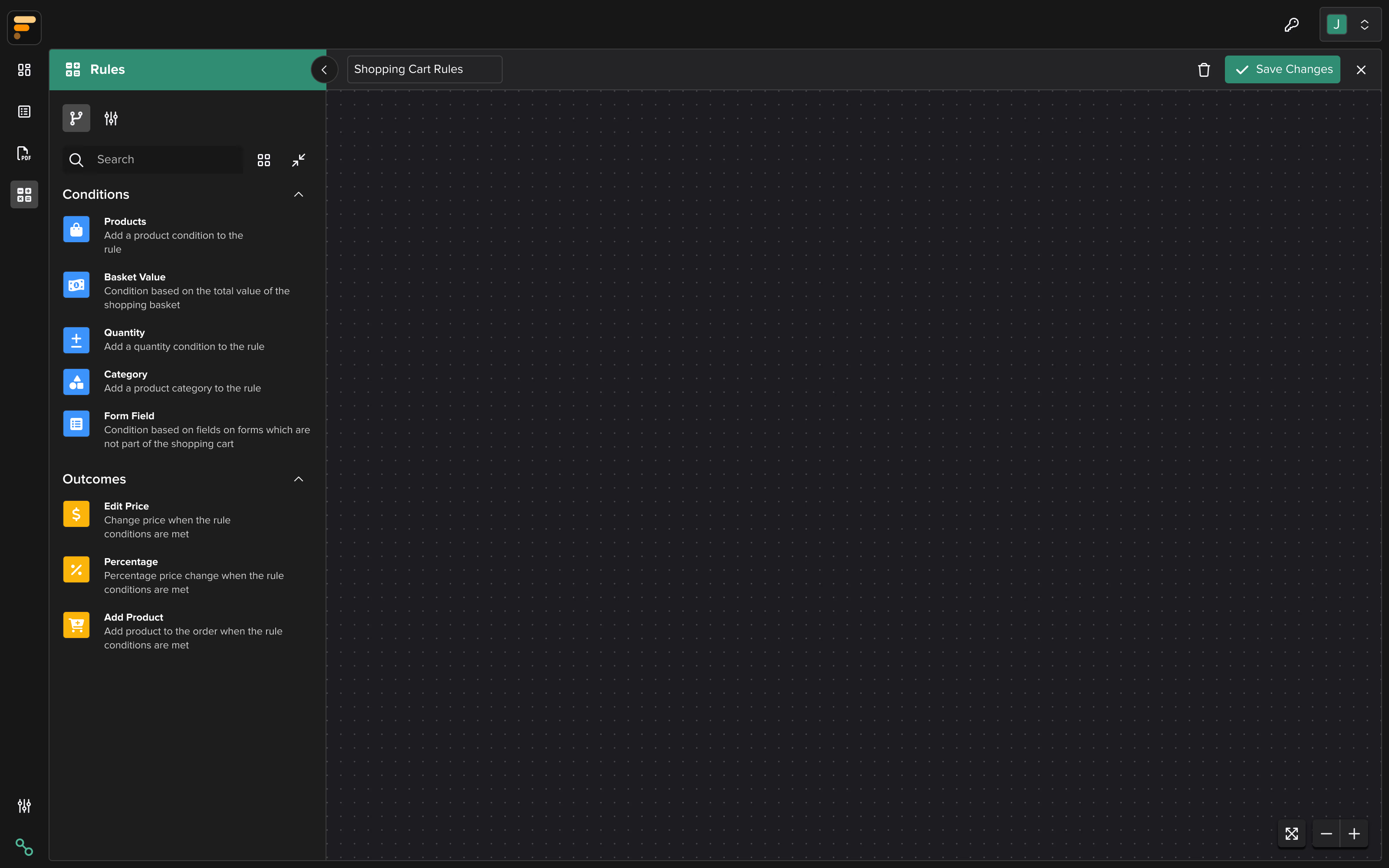
- •Rules Engine: Conditional logic relied on data mappings that weren't surfaced in the UI.
This wasn't a traditional usability problem. It was a system legibility crisis.
How do we make system constraints, dependencies, and validation states visible at the point of configuration, so users can build accurate mental models of how Forms actually works?
Restructuring information architecture
As I dug deeper, a consistent pattern emerged. The most painful issues were not caused by missing features, but by invisible rules.
I began using a simple diagnostic lens across Forms:
- •Invisible validation: the system enforced rules but surfaced them too late, or not at all
- •Invisible affordances: elements looked interactive but weren't, or vice versa
- •Invisible state: the system was doing something, but users couldn't see what or why
My goal was not to add more UI. It was to externalise system behaviour so users could understand what was happening, when it was happening, and what to do next.
This lens shaped every design decision that followed.
How to approach the redesign
Before touching any UI, I had to decide how to approach a system this interconnected. I considered three options:
| Option 1: Big-bang rebuild | Option 2: API Mapper first | Option 3: Phased delivery | |
|---|---|---|---|
| Approach | Redesign everything at once, ship as one release | Fix the most broken part first, then expand | Start with quick wins, build to complexity |
| Pros | Cohesive vision, no incremental inconsistency | Addresses highest-risk area immediately | Early wins build confidence, patterns validated before tackling complexity |
| Cons | High risk, long timeline, no learning loops | Starts with hardest problem before understanding system | Temporary inconsistency between old and new UI |
| Decision | Not chosen | Not chosen | Chosen |
Phased delivery let me learn how the system actually worked before tackling its most complex parts. Each phase revealed constraints I couldn't have anticipated upfront.
Delivery sequence
Quick win to build stakeholder confidence. Low complexity, high visibility.
Core product functionality. Established design patterns and validated approach.
Highest complexity, deepest engineering collaboration. Tackled last with full system understanding.
For each feature, I followed a repeatable process: map the current user flow, design the improved flow, validate with the design team for consistency, review with developers for feasibility, then iterate based on feedback.
Mapping complex dependencies: API Mapper
The API Mapper was the most complex and fragile part of the platform, and where my information architecture skills were tested the most. It represented the deepest level of interconnected functionality in the system.
It supported POST, GET, and PATCH requests, dynamic variables, mapped paths, and response handling. From a technical standpoint, it was powerful. From an IA standpoint, the dependencies and relationships were completely invisible to users.
Failures often occurred silently. A configuration could be saved successfully, yet still be invalid. Users only discovered problems later, when the mapped API failed during form submission or testing.
Before redesigning anything, I sat down with engineers to learn how APIs actually work. I needed to understand not just the feature requirements, but the technical reality of how requests behave, fail, and recover.
I mapped out:
- •How different request types (GET, POST, PATCH) actually behaved
- •Where validation happened in the system, and where it didn't
- •Why some failures could not be surfaced automatically due to backend architecture
- •Which constraints were caused by legacy systems that couldn't be changed
This wasn't just a B2B SaaS feature. Forms is interconnected with 5 other products in our suite. Data configured in API Mapper flows to Form Builder, PDF Builder, and Rules Engine. One change could have downstream effects across the entire platform. I had to map these dependencies and ensure every design decision accounted for them.
Only after understanding the system end-to-end did I begin redesigning the experience. The interface needed to match the technical reality, not hide it.
Micro-decision: separating "Saved" from "Valid"
One small but critical issue exposed a deeper UX problem.
Before
The API Mapper gave no feedback after saving a configuration. Users would add their endpoint URL, click save, and the system would silently store it. No validation, no confirmation of what was checked, nothing.
The problem
Silence created false confidence. Users assumed that if the system accepted their configuration without complaint, it must be valid. They would discover problems weeks later when the form actually tried to use that API and failed.
Understanding the root cause
I went to the engineering team to understand why this was happening. They explained that users configure API endpoints with variables like {userId}, but if the syntax is wrong or the variable isn't mapped to data, the system can't always catch it at save time. The configuration saves successfully, so users think it worked. Then weeks later when the form actually tries to use that API, it fails.
The constraint: True validation would have required making live API calls, which wasn't feasible due to authentication complexity, rate limiting, and environment differences. But we could validate syntax and data mapping at configuration time.
The solution
I split the state into two distinct concepts:
- •Saved (neutral): your configuration is stored
- •Validated (positive): your configuration meets known structural and formatting requirements
For variables specifically, I designed a three-state inline validation system with colour-coded highlights and tooltips:
- •Green: "Variable is valid and mapped successfully."
- •Amber: "Variable format is valid, but no value is assigned. Please check the data source."
- •Red: "Variable format is incorrect or not recognised. Please check the syntax."
This gave users immediate, actionable feedback at the point of configuration rather than discovering issues weeks later during testing.
This pattern, making system guarantees explicit, became foundational across Forms.
Previous approach
After redesign
Restructuring workflows across the system
Form Builder: scaling page management
As forms grew larger, inherited horizontal page tabs broke down:
- •Only a few pages were visible at a time
- •Renaming, reordering, or deleting pages was hard to reason about
- •Users had to remember structure that wasn't visible
I challenged carrying this pattern forward during the redesign, even though it existed in the previous UI.
The invisible rule was clear: "page structure exists, but you must hold it in your head."
I redesigned page management to prioritise visibility and manipulation over continuity with legacy patterns. Page structure became visible as a vertical sidebar where users could see all pages at once, drag-and-drop to reorder, and edit pages. This is especially useful for multi-page enterprise forms.
Previous approach: Horizontal tabs in top bar
Pages become increasingly hidden as the list grows
Improved approach: Page list in sidebar
All pages visible and directly manipulable
Configuration panels: form nodes
I also redesigned configuration panels for form nodes such as text inputs, dropdowns, date/time fields, multi-selects, media, navigation, and links.
Previously, settings were dense, inconsistently grouped, and often mismatched user intent. I restructured these panels to:
- •Reflect how users think about configuration, not how the system stores it
- •Use progressive disclosure to reduce cognitive load
- •Make dependencies and constraints visible at the point of interaction
This significantly improved testability and reduced misconfiguration, especially for complex forms.
PDF Builder: affordances and predictability
In the PDF Builder, several elements looked interactive but weren't. Page reordering felt unpredictable, and actions lacked clear feedback.
Here again, the issue wasn't missing functionality. It was mismatched affordances.
I clarified what was actionable, what wasn't, and when changes took effect. Interactions became more predictable, and users no longer had to "try things" to understand behaviour.
Cross-functional collaboration
I operated autonomously on this project, but success required deep collaboration across disciplines:
With Engineering
- •Sat with developers to understand how APIs actually work (GET vs POST vs PATCH, where validation happens in the backend, why some failures can't be surfaced automatically)
- •Designed within technical constraints rather than proposing solutions that would require full backend rewrites
- •Created interactive prototypes for complex state changes that static mocks couldn't communicate
With Product
- •Pushed back on the UI refresh brief with evidence (support tickets, QA pain points, implementation bottlenecks)
- •Negotiated phased delivery to prove value incrementally
- •Aligned on success metrics: reduced QA regressions, faster implementations, fewer support escalations
With QA
- •Made failures observable and testable. QA could now catch configuration errors before they reached clients
- •Reduced manual testing overhead by building validation into the UI
Design work was always paced ahead of development so flows were reviewed, validated, and ready when sprints began.
Outcomes: business impact
The redesign shipped and remains in production today across 58 enterprise clients on 5 continents.
- •Reduced QA overhead: QA stopped flagging the same regressions every release. Silent API failures, broken dependencies, invalid configurations: gone from testing reports.
- •Faster client implementations: Implementation teams reported that Forms was no longer their setup bottleneck. Configurations that previously required tribal knowledge or guesswork became self-explanatory.
- •Eliminated post-launch support burden: Support escalations for broken integrations dropped sharply. I received zero major fix requests post-launch. Validation that the IA transformation solved the right problems, not just the surface ones.
- •Increased internal confidence: Engineering, QA, and Product all responded positively. Forms finally felt like it belonged in the same ecosystem as our flagship products.
Forms was later deprioritised as ConnexAI consolidated from 6 products to 3, but the design work remains in production. Solid IA decisions outlast shifting business priorities.
Key takeaways
- •Strong IA makes complex systems navigable: In interconnected workflows, the biggest UX risk is invisible dependencies. Making relationships and constraints visible doesn't just improve usability. It makes systems trustworthy.
- •Strategic thinking means trade-offs, not perfection: I chose phased delivery over big-bang. Dashboard first over API Mapper first. Visible validation states over blocking saves. Each decision had costs and benefits. Explaining why I chose one over another is what makes design strategic.
- •Ownership means finding ways forward within constraints: No direct user access. No backend rebuild. No big-bang redesign. I worked with QA as proxies, designed within technical limits, and phased delivery to prove value incrementally.
- •Craft serves strategy, not the other way around: This wasn't about making Forms look better. It was about reducing operational cost, improving client retention, and making the product testable. Visual design was a tool to achieve those business outcomes.